pixelsTools Blog
Short guides for choosing image formats, preparing assets for the web, and getting better results from the tools on this site.
14 published articles
Notes from the toolbench
Each guide starts with a specific task: choosing an export format, preparing an image for a page, or checking a result before publishing.
The aim is simple: explain the decision that matters, show the useful settings, and call out the trade-offs so you can finish the job with fewer surprises.
Free Image Tools That Help You Work Better and Get Hired
Compress images for job portals, resize for portfolios, extract text from documents, remove backgrounds for free. 10 free browser-based tools for professionals.
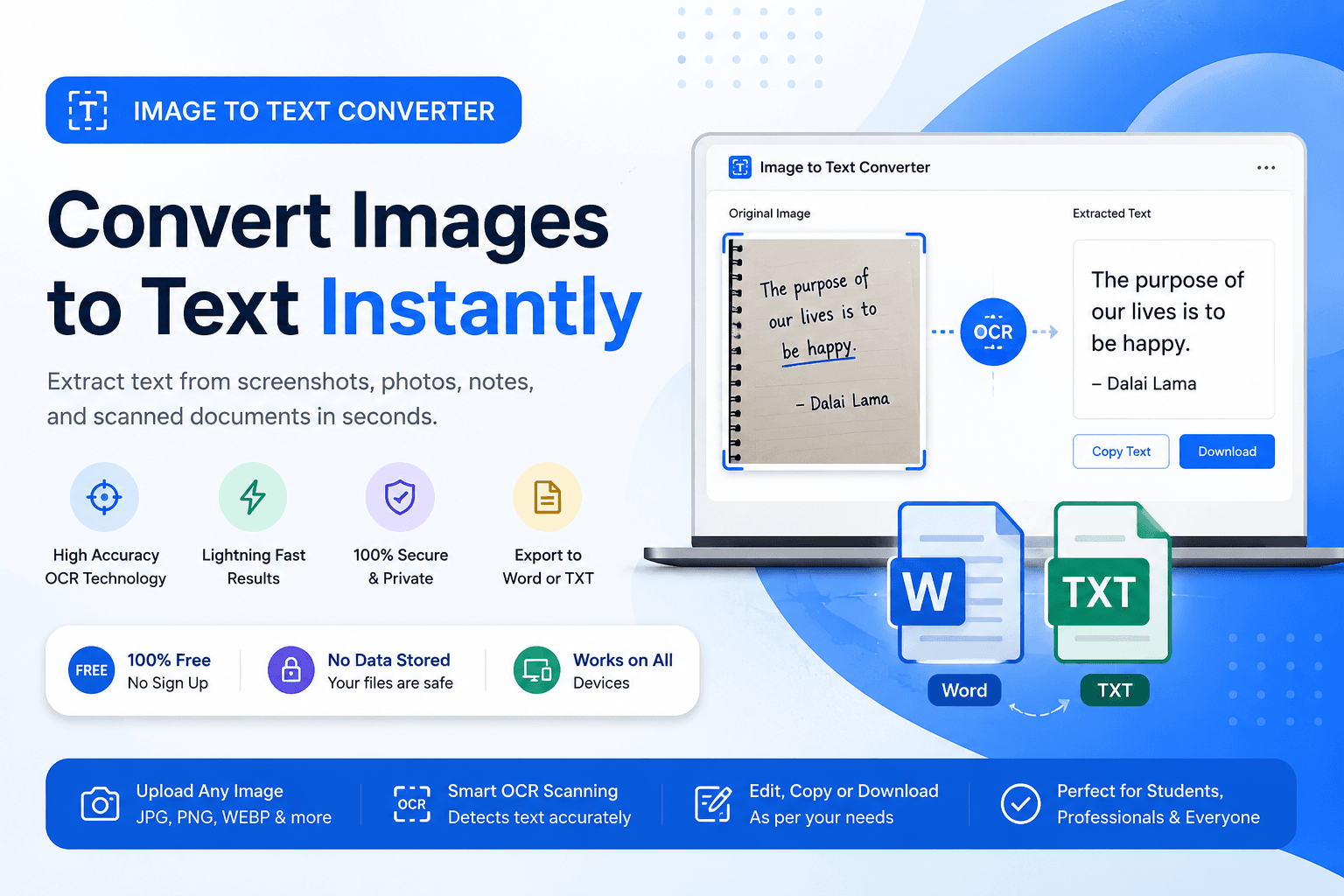
Image to Text Converter: Convert Images to Word & TXT Online Free
Convert images to text, Word, or TXT files online for free with fast OCR technology. Extract text from screenshots, notes, PDFs, and photos instantly.
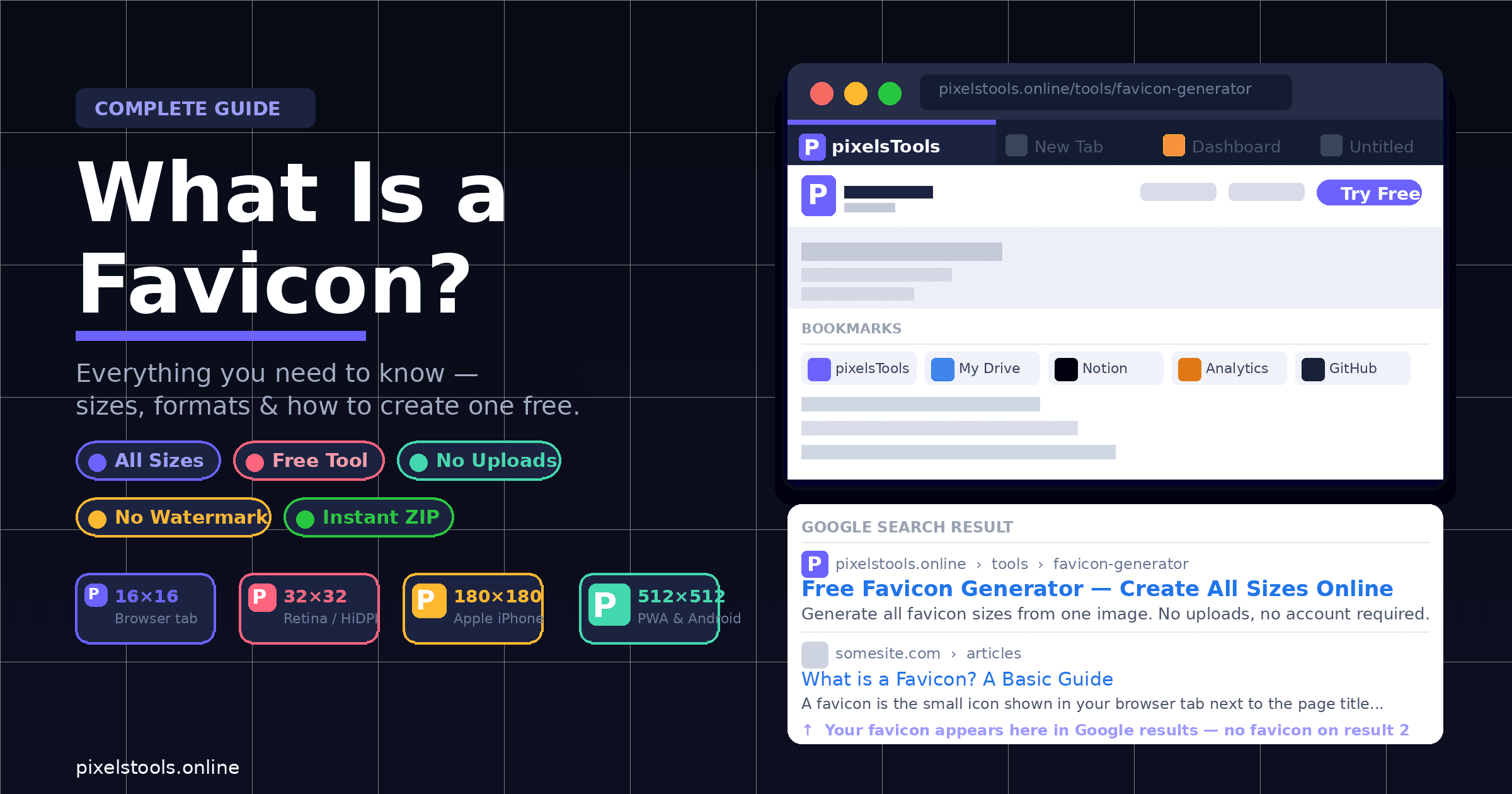
What Is a Favicon? Everything You Need to Know (And How to Create One Free)
You have probably noticed the tiny icon in your browser tab right now. That is a favicon. It seems small and unimportant — but it shows up in more places than you might expect, and missing it makes your website look unfinished.
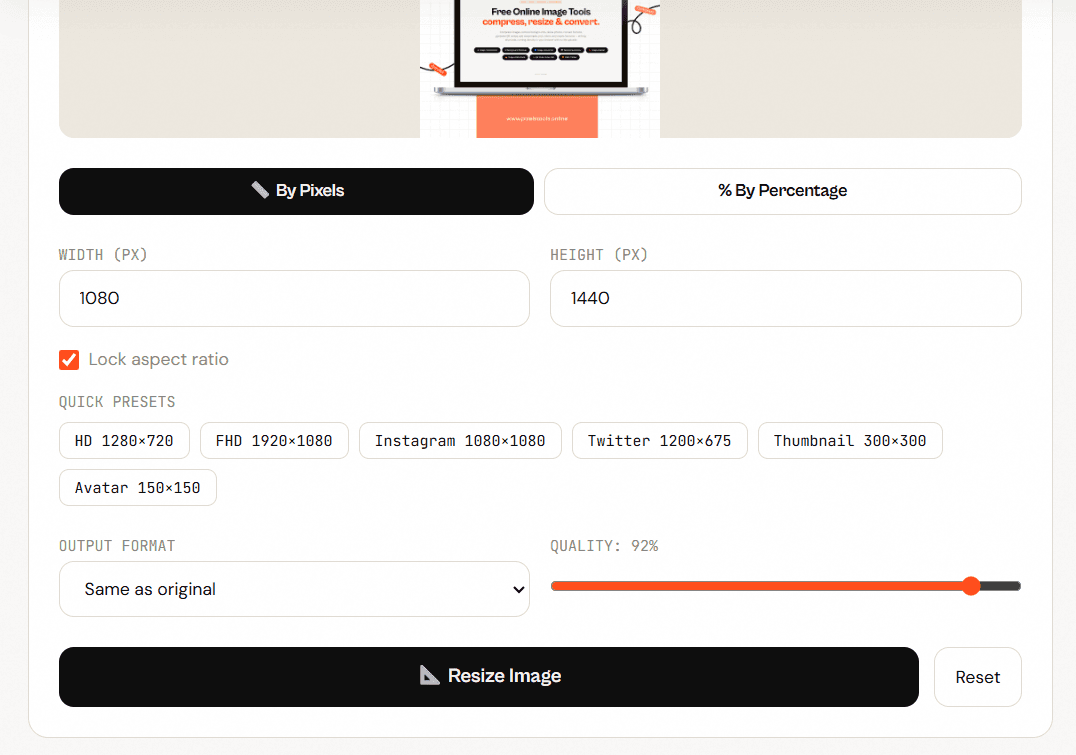
How to Resize an Image Without Losing Quality (Free & Online)
Resizing an image sounds simple — but do it wrong, and you end up with a blurry, pixelated mess that looks nothing like the original. Whether you're preparing photos for Instagram, compressing images for your website, or sending a smaller file to a client, the goal is always the same: resize the image without losing quality. In this guide, you'll learn exactly how to do that — for free, online, with no software to install.
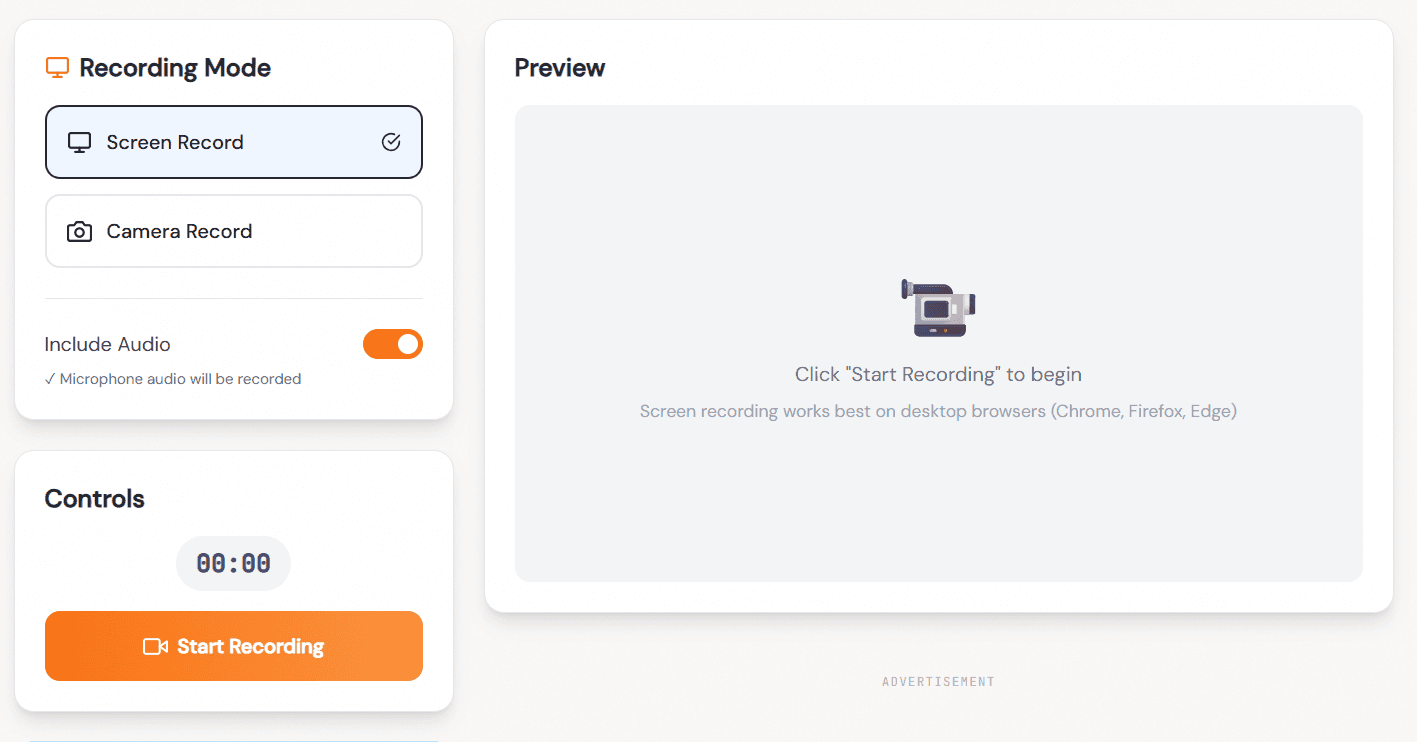
How to Record Your Screen for Free — No Software, No Watermarks, No Nonsense
Let me paint a familiar picture. You need to record your screen. Maybe you want to show a colleague how something works, create a quick tutorial, report a bug to a developer, or save a video call moment. Simple enough request.
Free Online Color Picker From Image – Get HEX, RGB & HSL Instantly
Finding the exact color from an image used to require expensive software like Adobe Photoshop or Illustrator. Today, you can extract any color — down to a precise HEX, RGB, or HSL code — directly in your browser, in under five seconds, with no software, no account, and no file upload. This guide explains how color picking works, what the different color formats actually mean, when to use each one, and how to build a complete color palette from a single image. Whether you are a professional designer, a developer writing CSS, or someone trying to match colors for a social media post, this article covers everything you need.
How to Resize Images Online for Free — Complete Guide
Resize images to exact pixel dimensions or by percentage. Set custom width, height, or use presets for Instagram, YouTube, Twitter.
WebP vs PNG vs JPEG: Which Image Format Should You Use?
Convert between PNG, JPG, WebP and more in one click. Batch convert multiple images.
How to Compress Images for the Web Without Losing Quality
Images account for more than 50% of the average webpage's file size. Compressing them is the single highest-impact thing you can do for your site's loading speed.
How to Pick Colors from Any Image and Get Exact Color Codes
Extract HEX, RGB, and HSL color values from any photo or graphic. Includes a guide to color theory, building palettes, and using CSS variables.
How to Remove an Image Background for Free
You don't need Photoshop, a subscription, or any software. Modern AI can remove image backgrounds instantly — right in your browser.
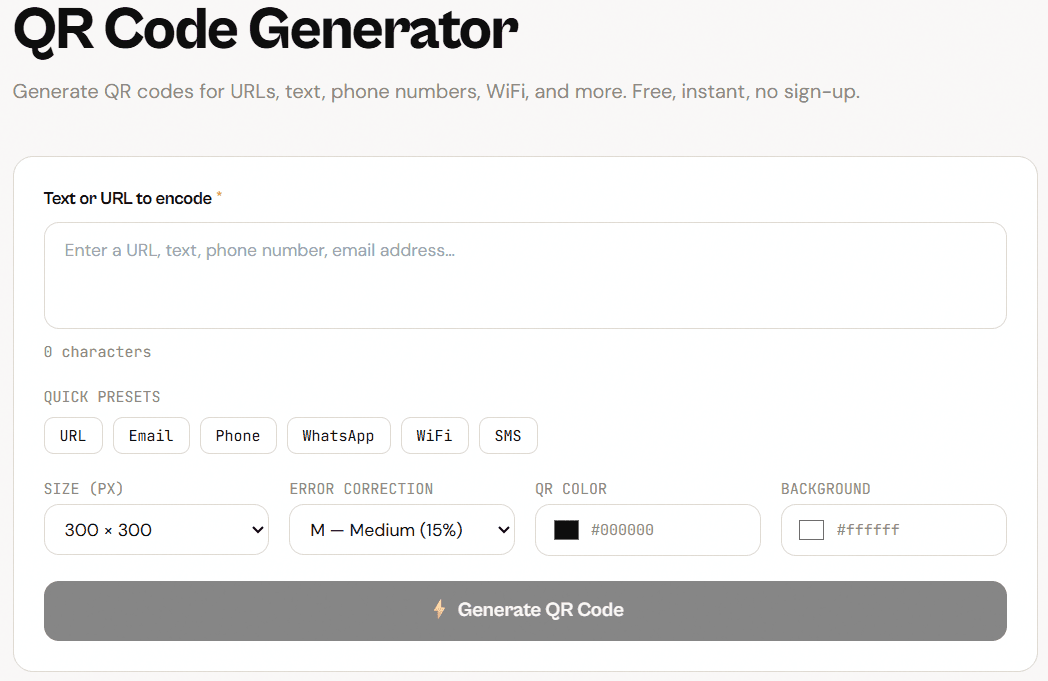
How to Create a QR Code for Free — Complete Guide
QR codes are everywhere — on restaurant tables, product packaging, business cards, event posters, and shop windows. Creating one used to feel technical. Today it takes about thirty seconds and costs nothing.
What is a Favicon and Why Does Your Website Need One?
Generate all favicon sizes from a single image. Download as ZIP with HTML snippet.
How to Add a Watermark to Your Photos Online
Add text or logo watermarks to your images. Choose position, opacity, color, and repeat. Protect your photos for free.
Why Read the pixelsTools Blog?
Detailed Practical Tutorials
Our guides focus on solving real problems including image optimization, browser-based editing, QR code usage, design workflows, and website performance improvements.
Beginner Friendly Content
Every tutorial is written in simple language so beginners can easily understand and follow along.
Privacy Focused Tools
Many pixelsTools utilities run directly inside the browser without uploading files to external servers.
Regularly Updated Articles
We continuously publish and update tutorials to keep information accurate, useful, and relevant.